01 / EXPENSESFind the purchase.
Find the purchase.
Keep the context.
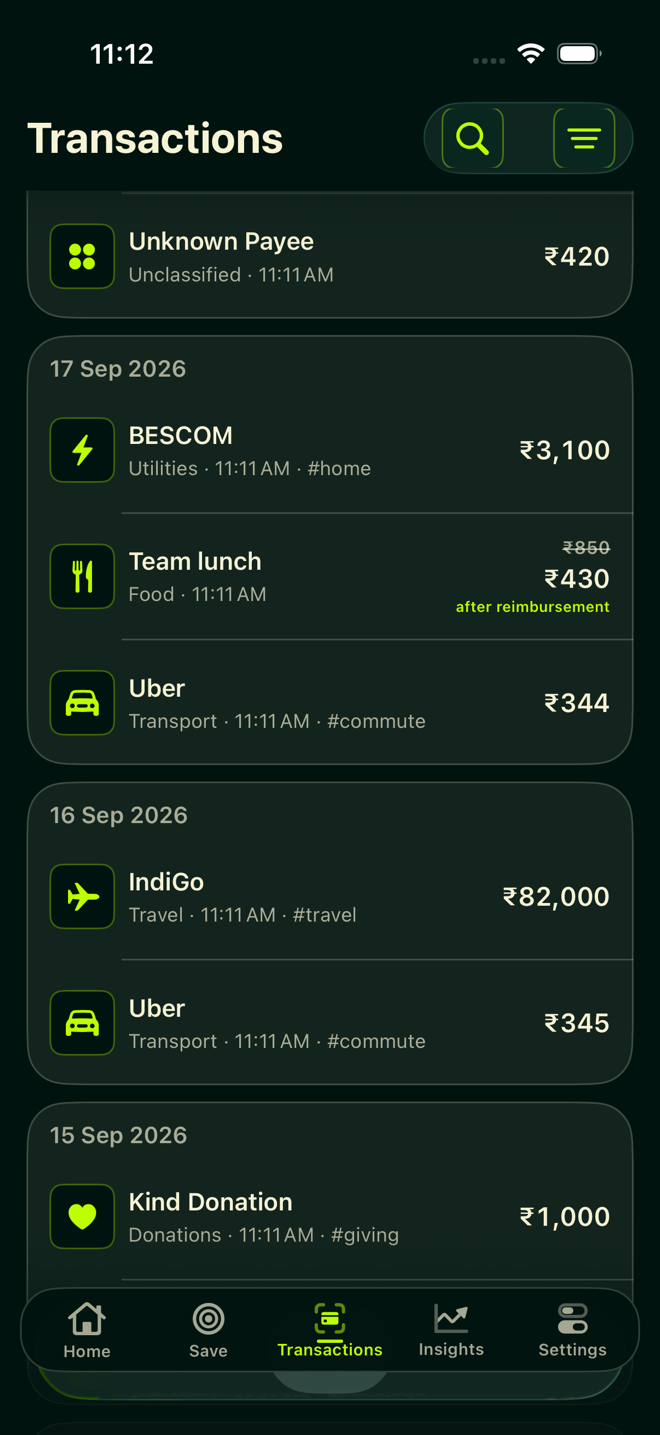
Search your transactions, review the details and correct categories. Your spending history, organised and easy to revisit.
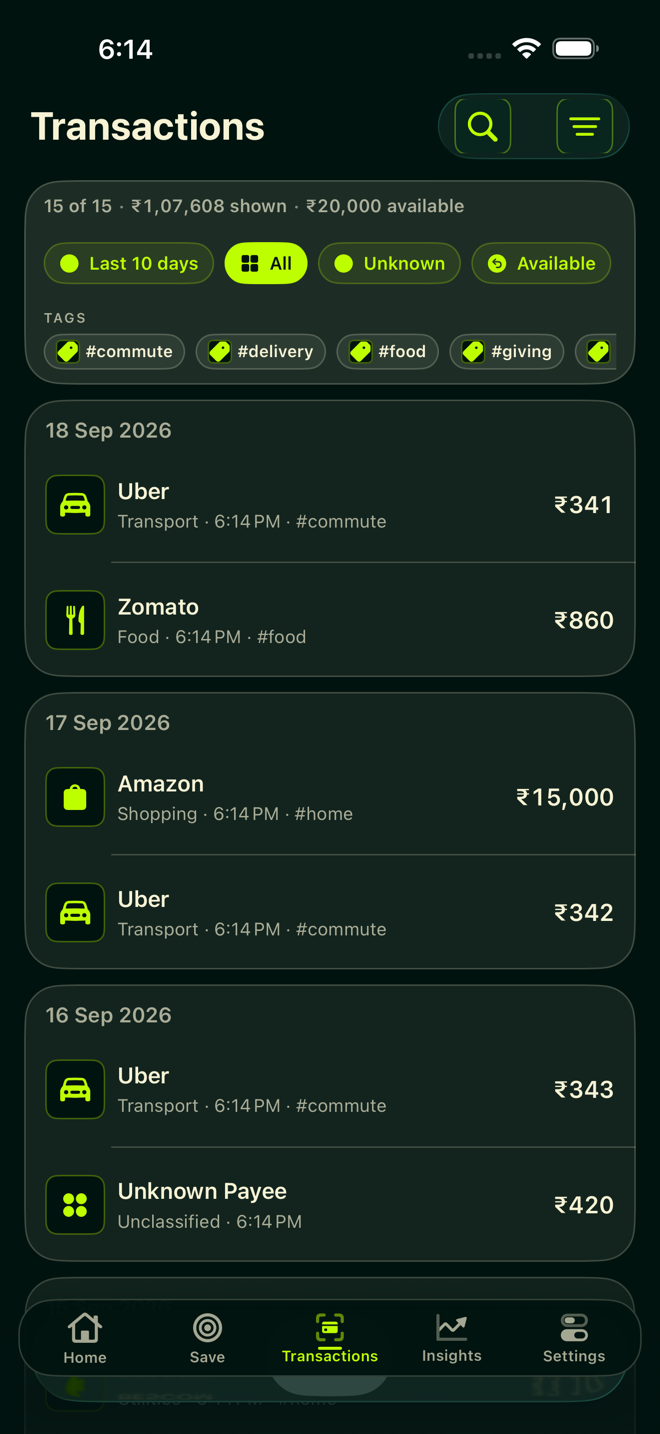
Private expense tracking · iPhone & iPad
Understand where your money goes. Keep track of reimbursements. Make room for your savings goals. Bring it all together with Pluto.
Download on the App StoreRecent history included for your first 30 days.
No automatic charge. See pricing & access
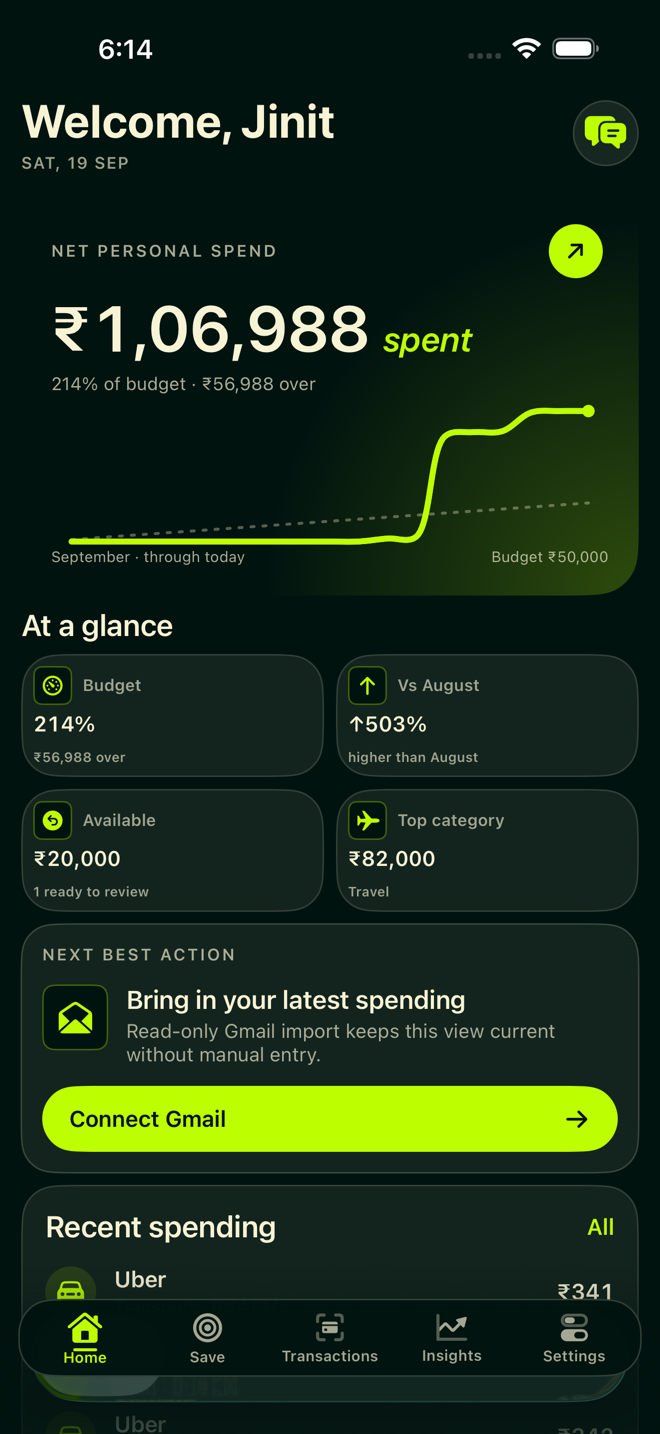
From transactions to understanding
Your expenses have a history, a pattern and sometimes a reimbursement. See how they fit together.
Search your transactions, review the details and correct categories. Your spending history, organised and easy to revisit.
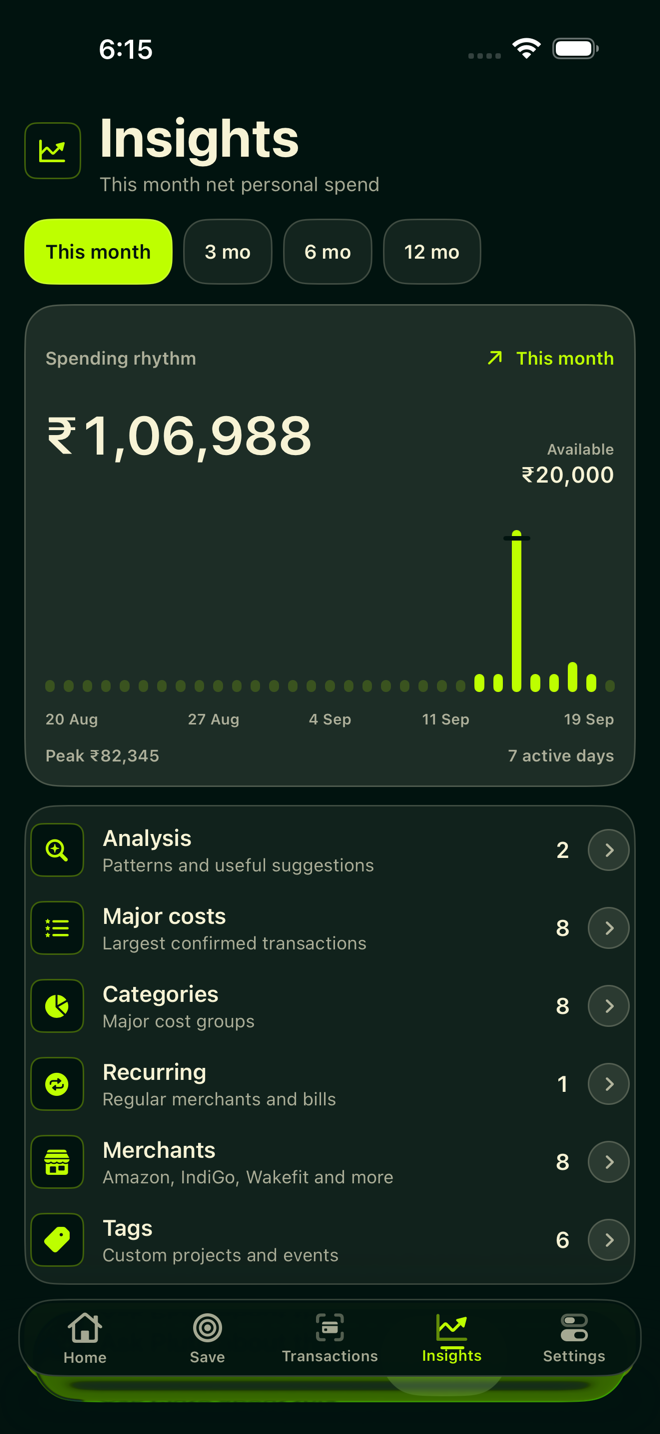
Explore spending by category and merchant, spot recurring costs, and compare patterns across your imported history.
Set a savings target, review suggested changes and protect the spending you want to keep. Build a plan around your priorities.
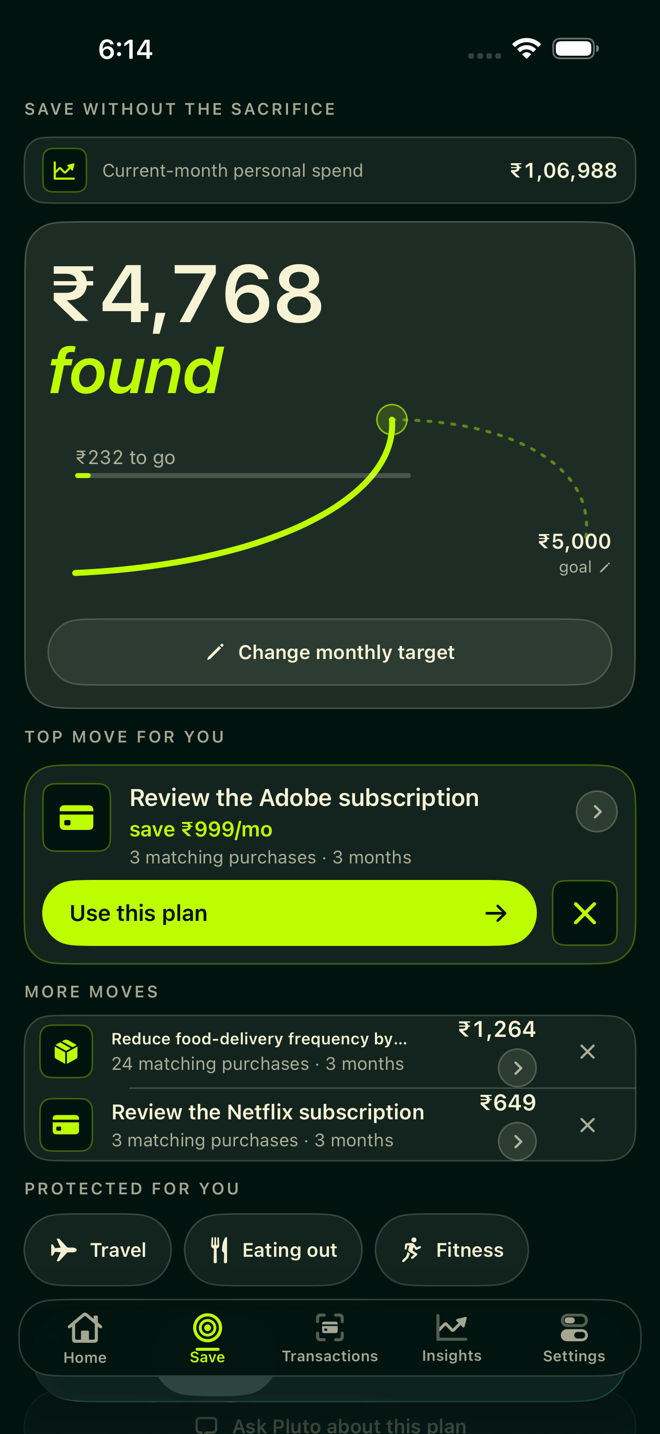
Actual app screens with demonstration data. Suggestions depend on your imported history.
Reimbursements, in the picture
Review expenses that may qualify under your reimbursement policies. Confirm what applies, then record the amount you actually received.
A suggestion is a starting point. You stay in control of the confirmed amount.
Add the reimbursement rules and limits that apply to you.
Check which expenses may be reimbursable.
Keep suggested and confirmed amounts distinct.
Start with a history
Bring older Gmail receipts and payment alerts into Pluto with historical backfill. Look beyond this month's spending, find an earlier purchase and give your analytics more context.
Older history requires a subscription. Available records depend on the emails Pluto can successfully import; it isn't a complete bank or payment feed.
See how access worksGmail import is optional. You can explore Pluto's planning features without connecting it, and you don't share bank credentials.
Google's read-only permission is broader than receipts alone. Pluto looks for transaction-like mail. It cannot send, edit or delete emails.
Imported spending records, reimbursement policies and savings plans stay on your device. Disconnect Gmail or delete local data from Pluto's privacy controls.
Try it with your routine
Start with recent spending. Decide whether Pluto earns a place in your everyday routine.
Need help getting started? Get support.
Monthly subscription · India
₹29/month
Other plans are available in the app. Prices vary by storefront. Review the price and renewal terms shown by Apple before purchasing.
No. Your history depends on the records Pluto can successfully import. Some payments may be missing or need category corrections. Review the underlying transactions when using its insights.
No. Gmail is an optional way to import receipts and payment alerts. You can explore planning features without connecting it. Imported spending analytics and reimbursement suggestions need transaction data to work from.
Yes. Historical backfill imports older Gmail receipts and payment alerts that Pluto recognises. Older history requires a subscription, and coverage depends on the messages available.
No. Suggestions are based on your policies and transaction data. Review them and record the amount you actually received; a suggested amount is separate from confirmed reimbursement.