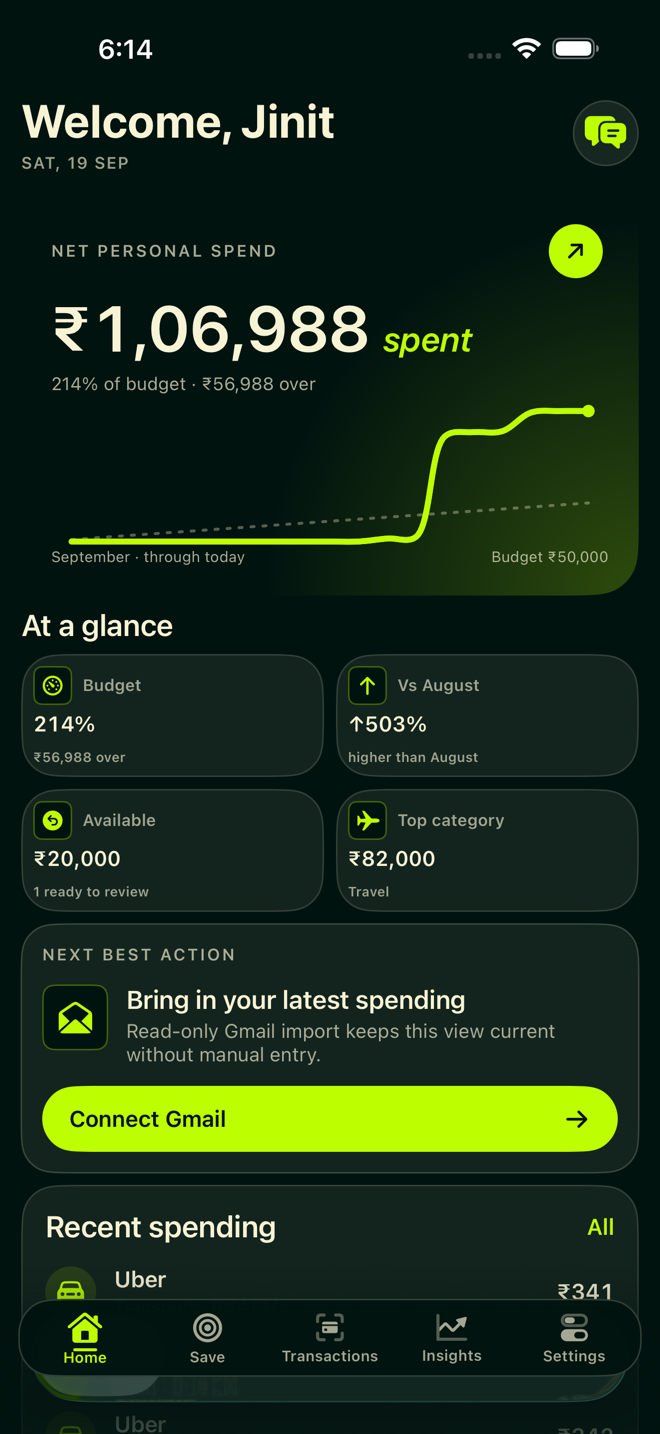
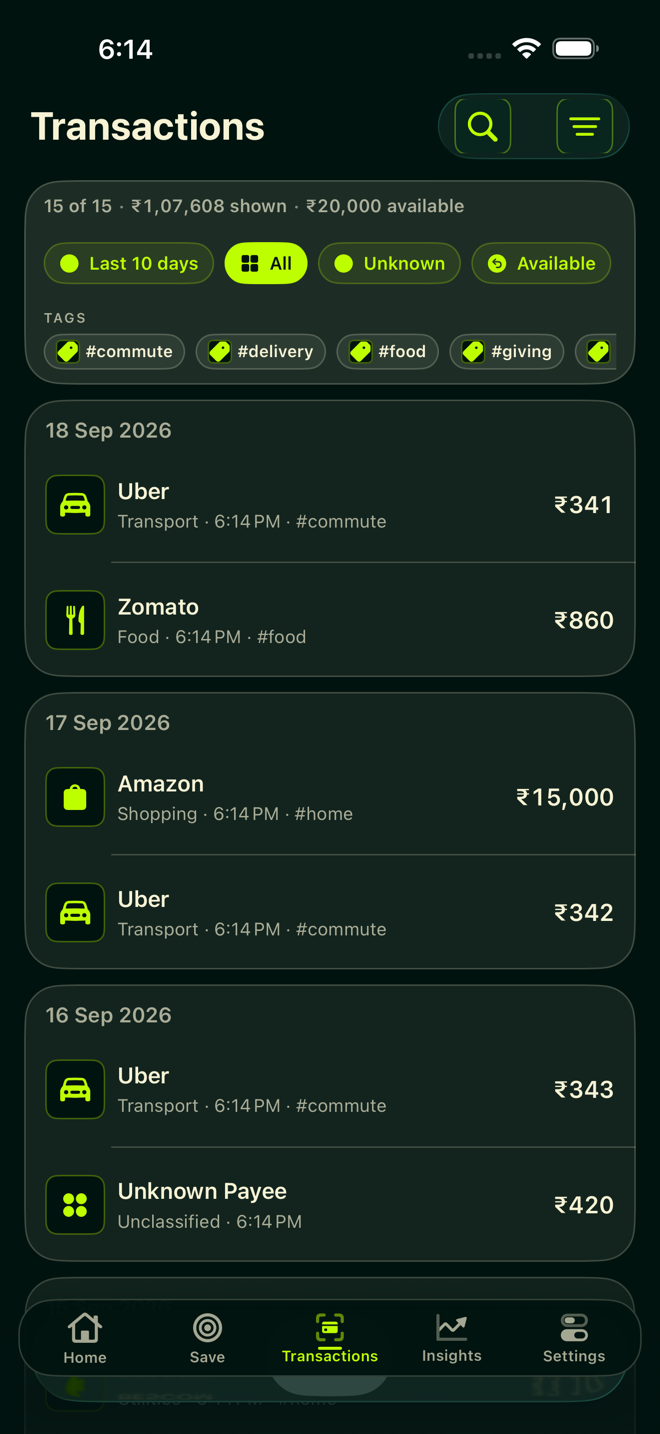
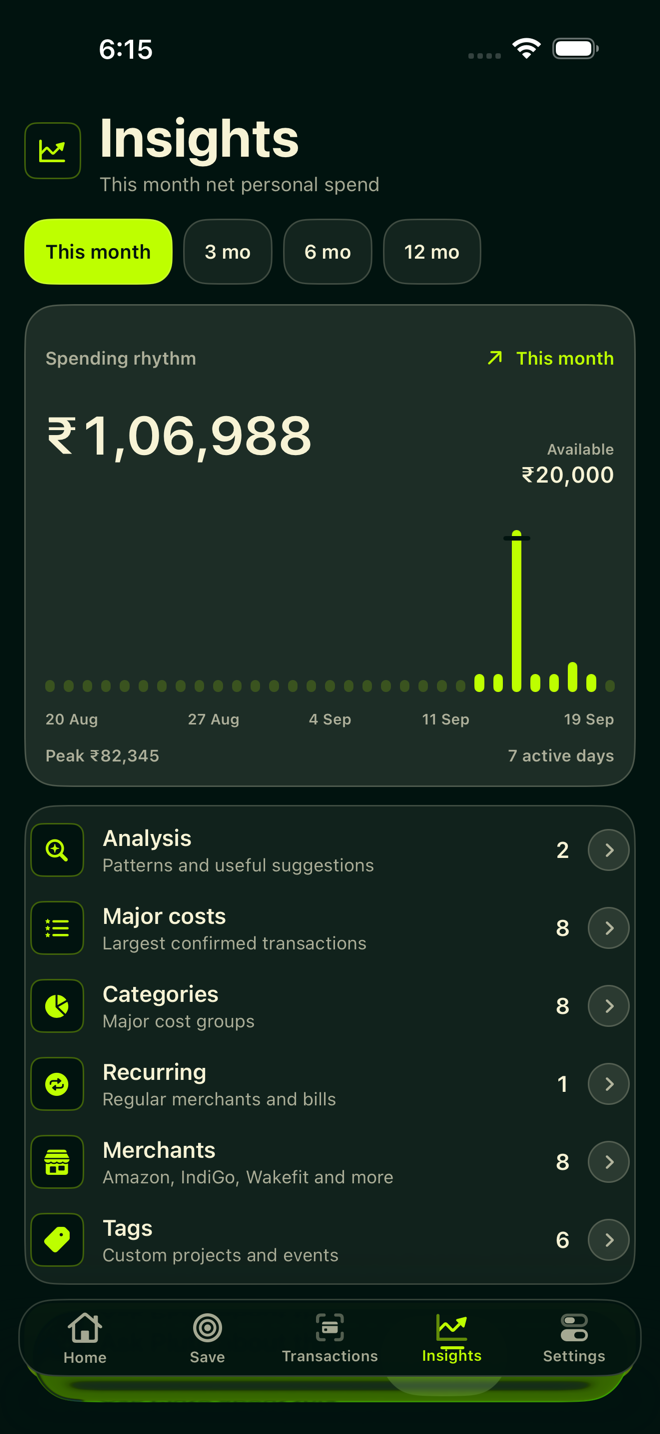
See Pluto in action.
Expense tracking, spending analytics, reimbursements, savings plans and historical backfill—together on iPhone and iPad.
From expenses to a clearer picture.
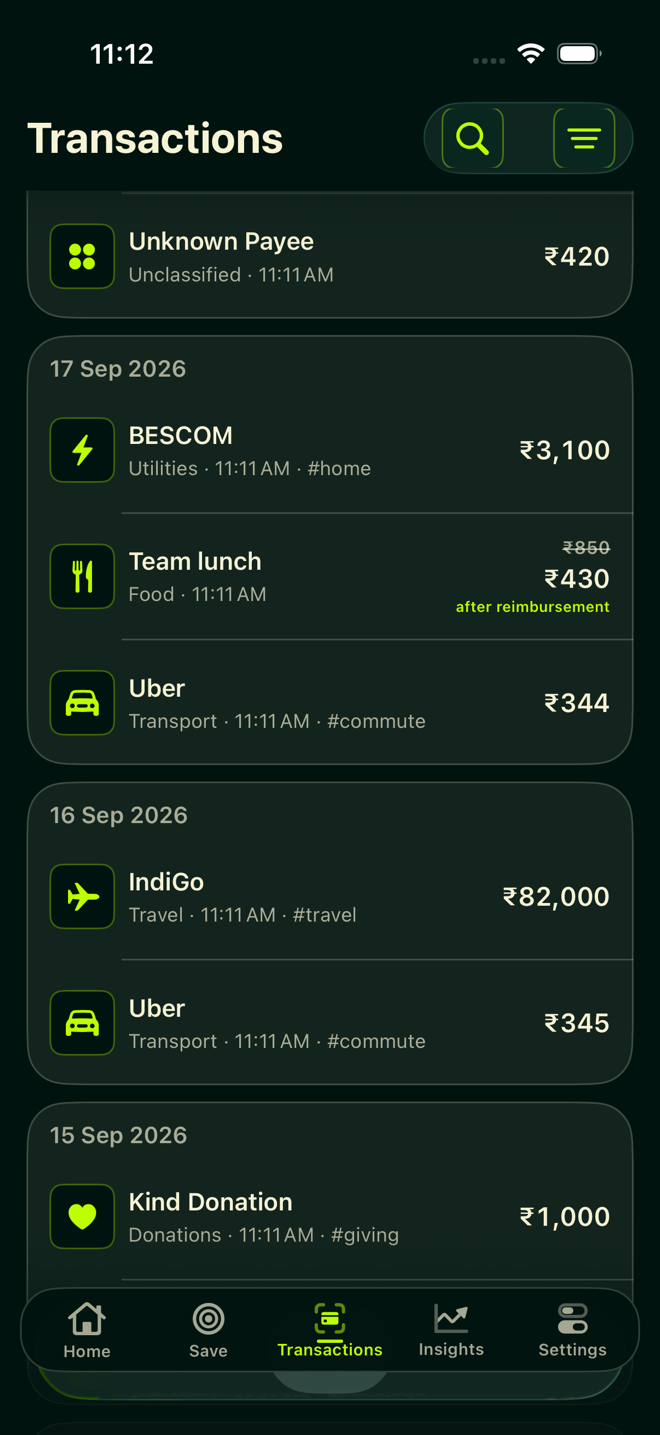
This 25-second silent slideshow uses genuine app screenshots. Its figures are demonstration data, not customer results. It is a product overview, not a live screen recording.
- Understand spending: review categories, merchants and patterns in your imported transactions.
- Record reimbursements: a sample ₹850 expense becomes ₹430 of personal cost after confirming ₹420 received.
- Look further back: import older supported Gmail receipts and payment alerts with paid Pluto Access.
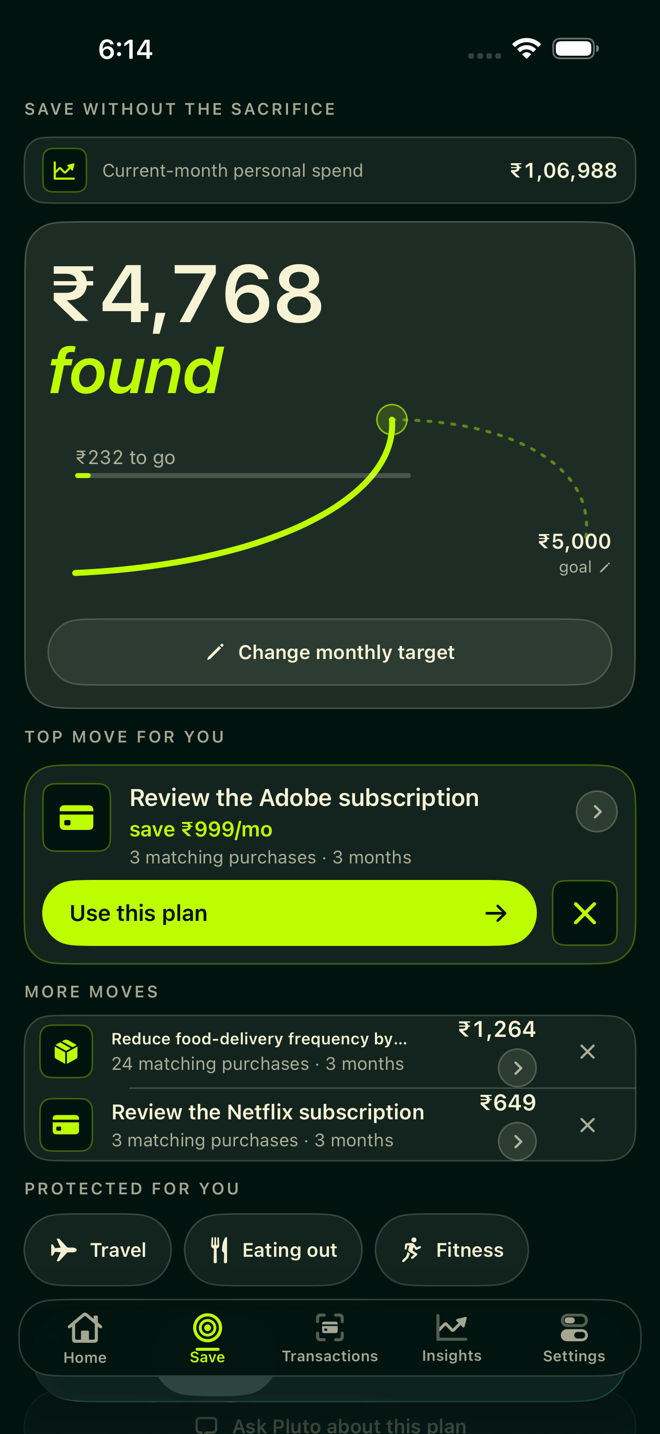
- Plan savings: review suggestions and protect spending priorities. Suggestions are not guaranteed savings.
- Try Pluto: start with recent history and decide whether it fits your routine.
Your first 30 days include the recent 30-day ledger with no automatic charge. Older history and continued access require a subscription. A voluntary purchase starts immediately and renews unless cancelled. Review Apple's local price and terms.
Download the demo and screenshots.
The media pack includes the MP4, five carousel images and five app screenshots. All app data shown are synthetic.